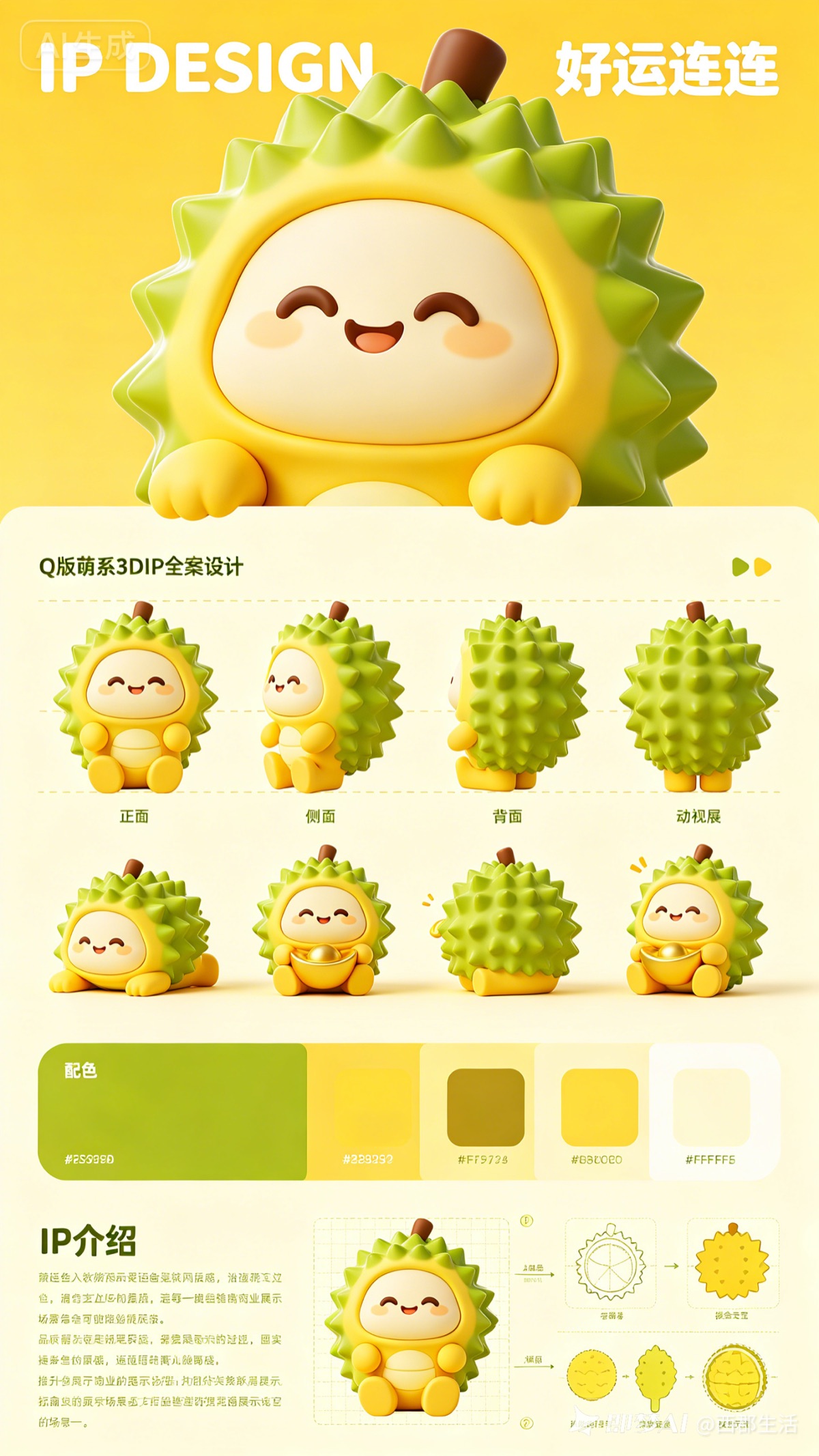
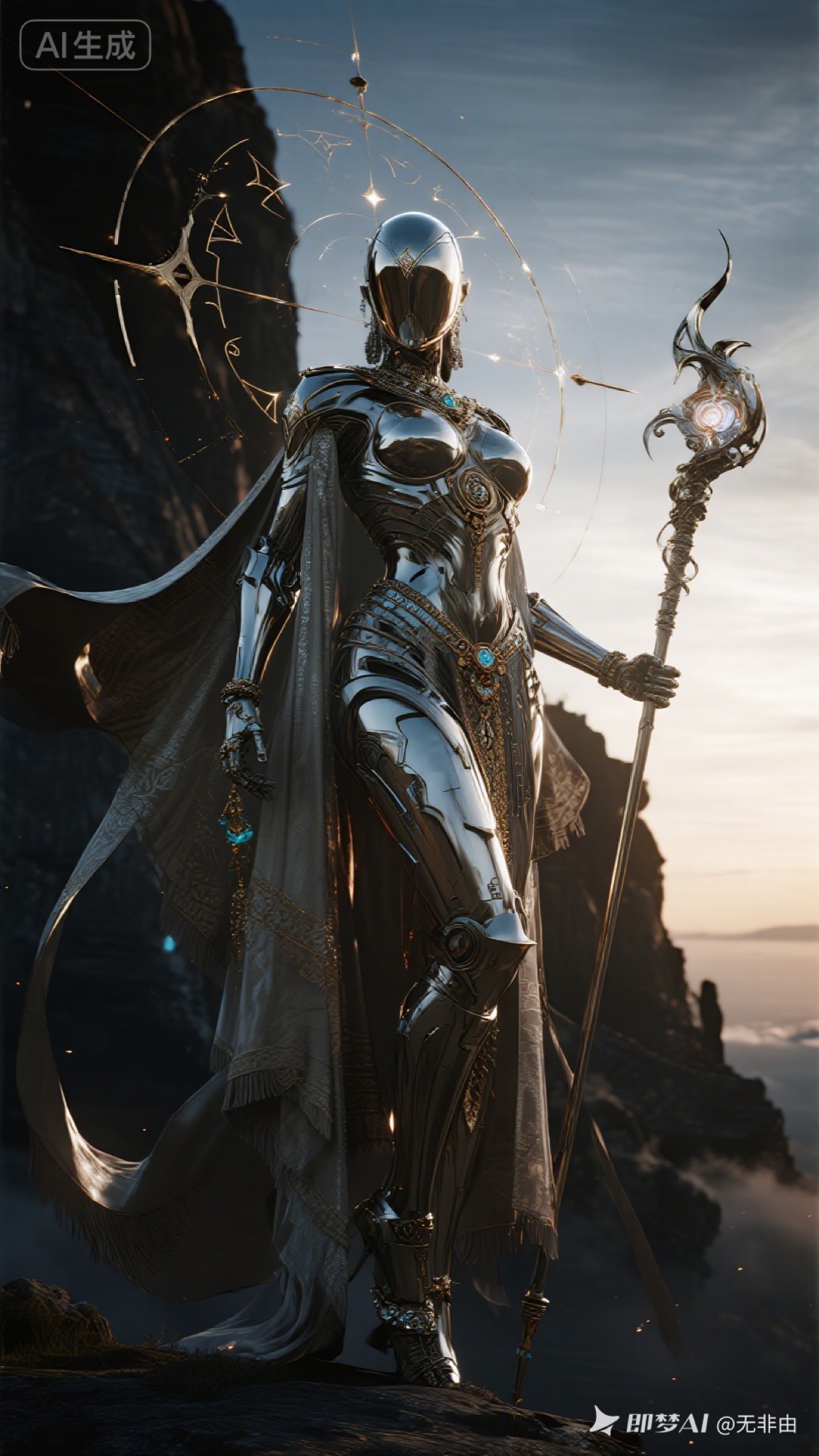
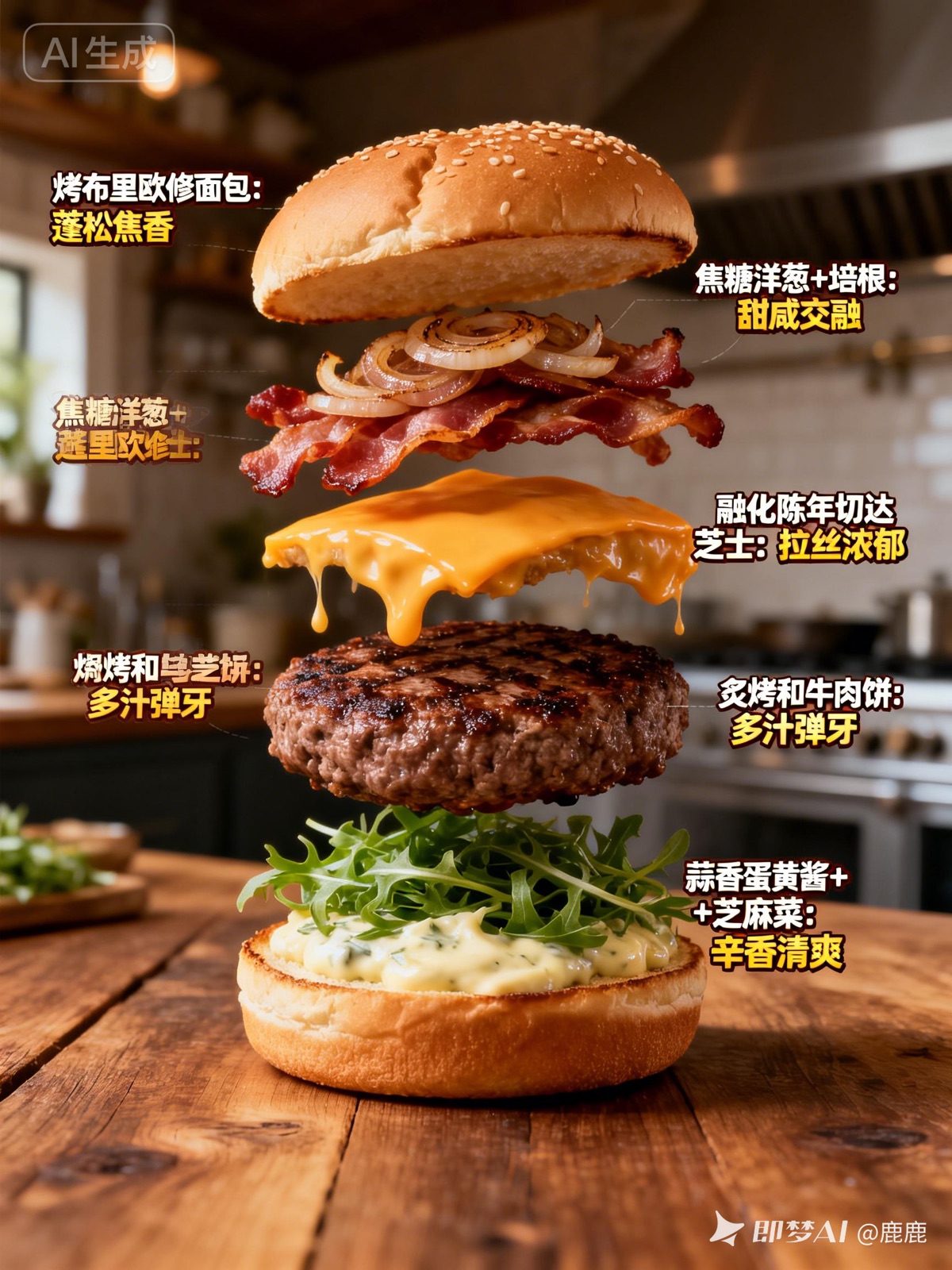
Detailed prompt control
Describe subject, composition, lighting, lens, materials, color, and mood in a single production brief.
Turn detailed prompts into polished image concepts. The workspace currently starts with Flux 2 Pro while Flux 3 provider availability is verified.
Select up to 5 models to generate results with the same prompt.

FLUX model workspace
Use this page to develop prompts, generate image drafts, compare model results, and save successful outputs. The interface is ready to adopt an official Flux 3 endpoint without pretending that an unverified model is already connected.
Describe subject, composition, lighting, lens, materials, color, and mood in a single production brief.
Create a draft, refine the prompt, and compare new results without rebuilding the rest of your creative workflow.
Keep generated images, prompts, model details, and downloads together in SeeAny History.
This page is prepared for Flux 3 discovery, but it does not claim an unverified Flux 3 API integration. The active generator currently uses Flux 2 Pro.
Flux 2 Pro is selected by default. You can also open the model picker and choose another image model available in SeeAny.
Start with the subject and desired action, then specify framing, environment, light, color palette, materials, camera language, and unwanted elements.
Yes. Completed generations can be previewed and downloaded, and their prompt and model details remain available in History.