Turn a Photo into Video with AI (Image to Video)
How to turn any photo into a moving video with AI image-to-video models: which model to pick, how to describe motion and camera moves, and mistakes that ruin the result.
 SeeAny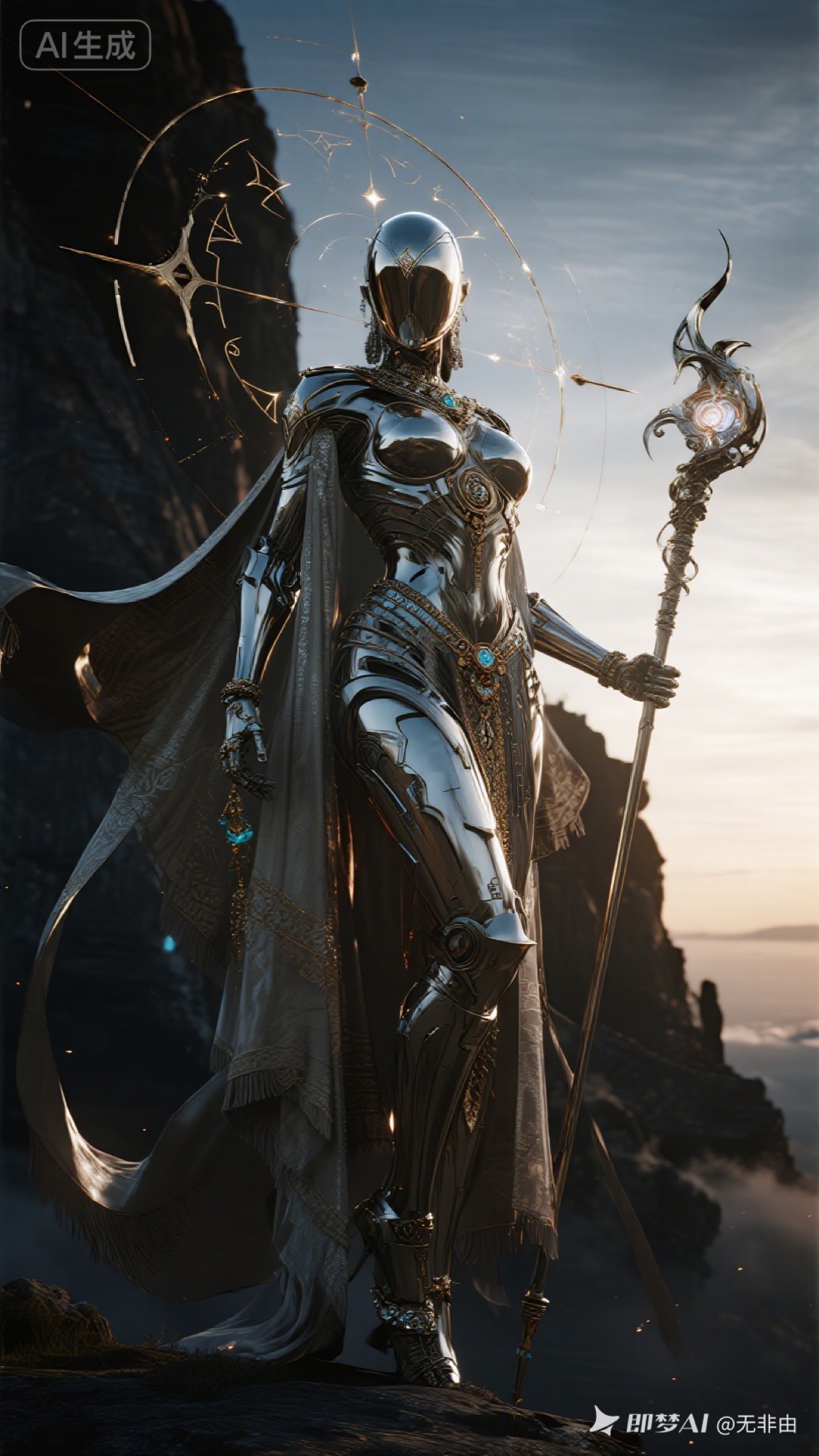
Image-to-video is the most reliable way to get a great AI video: instead of asking the model to invent a scene from text, you hand it a finished frame — a photo, a render, an illustration — and it only has to invent the motion. Composition, subject, and style are already locked.
How image-to-video works
You upload a still image as the first frame, add a short prompt describing what should move, and the model generates 5–12 seconds of footage that starts from your exact image. Models like Seedance 2.0, Kling, and Wan all work this way, and SeeAny switches to each model's image-to-video variant automatically when you attach a reference image.
Picking the right source image
The source image does most of the work. What holds up well:
- One clear subject with space around it — busy collages confuse motion.
- Implied motion: hair mid-swing, fabric in the wind, a raised arm, smoke.
- Strong lighting direction — the model extends it convincingly.
- Portraits, product shots, game/character art, and landscapes all animate well.
Avoid heavy text overlays, tiny faces in crowds, and extreme fisheye distortion.
Prompting the motion
Your prompt should describe motion only — the image already covers the rest:
- "Slow cinematic push-in, her cloak and hair drift in the wind, embers float upward."
- "Camera orbits right around the product, soft studio reflections shift."
- "Gentle breathing motion, blinking, subtle head turn toward the camera."
Name one camera move and one or two subject motions. Stacking five actions into one clip is the most common way to get warped results.
Common mistakes
- No motion prompt at all — you get a near-still clip with random drift.
- Contradicting the image ("she runs" on a seated subject) — expect body horror.
- Too long too soon — iterate at 5 seconds, then rerun the winner at longer duration.
- Ignoring aspect ratio — match the output ratio to the source image ratio.
Do it in SeeAny
Open the video workspace, attach your photo, write one line of motion, and generate — the image-to-video variant is selected automatically. Drafting many versions? Use a budget model first; see the Seedance 2.0 Mini guide. And if you need a better still to start from, generate one in the image workspace first.