SeeAny

Seedance 2.5 Video Creation Workflow

Generate cinematic video drafts from prompts or reference images for ad storyboards, product demos, and creative previs. The available Seedance video model is selected by default.

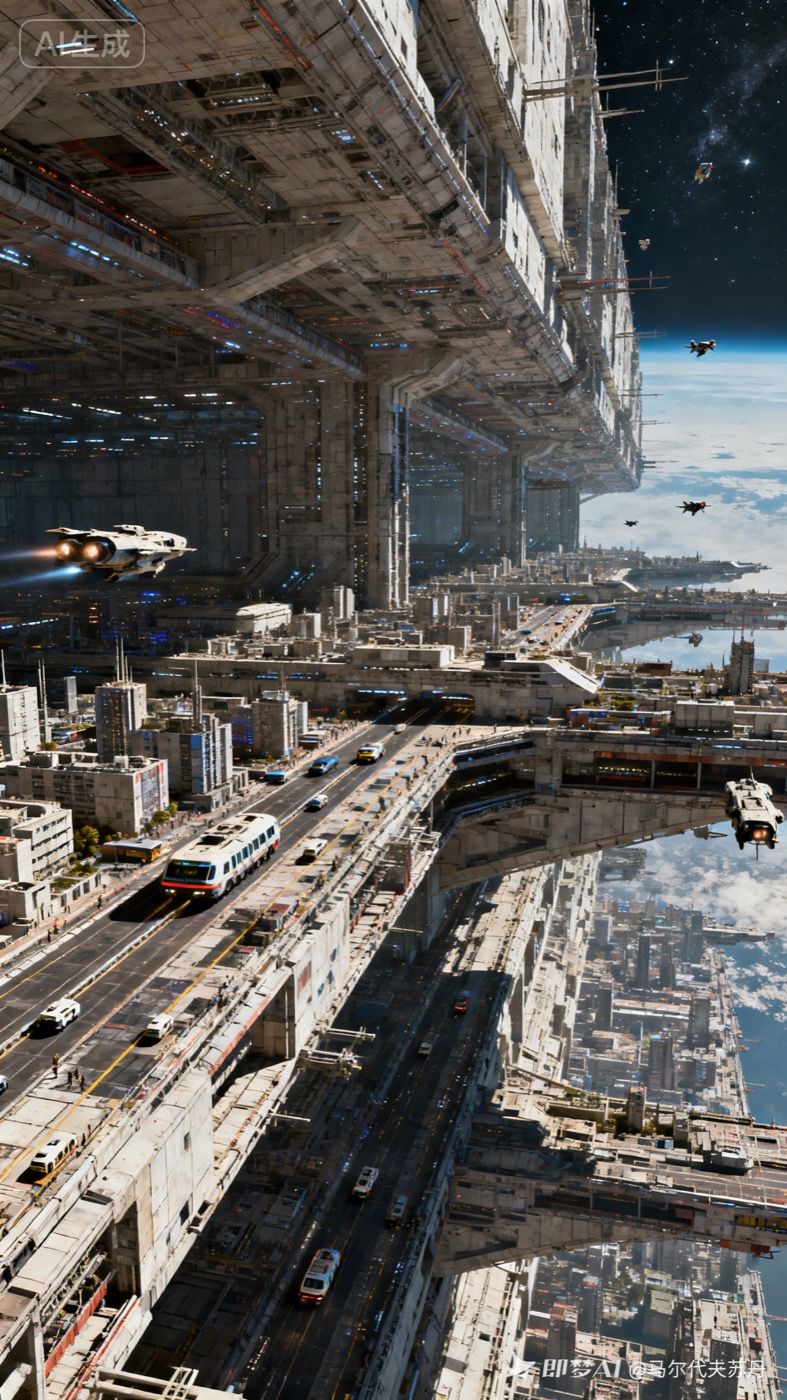
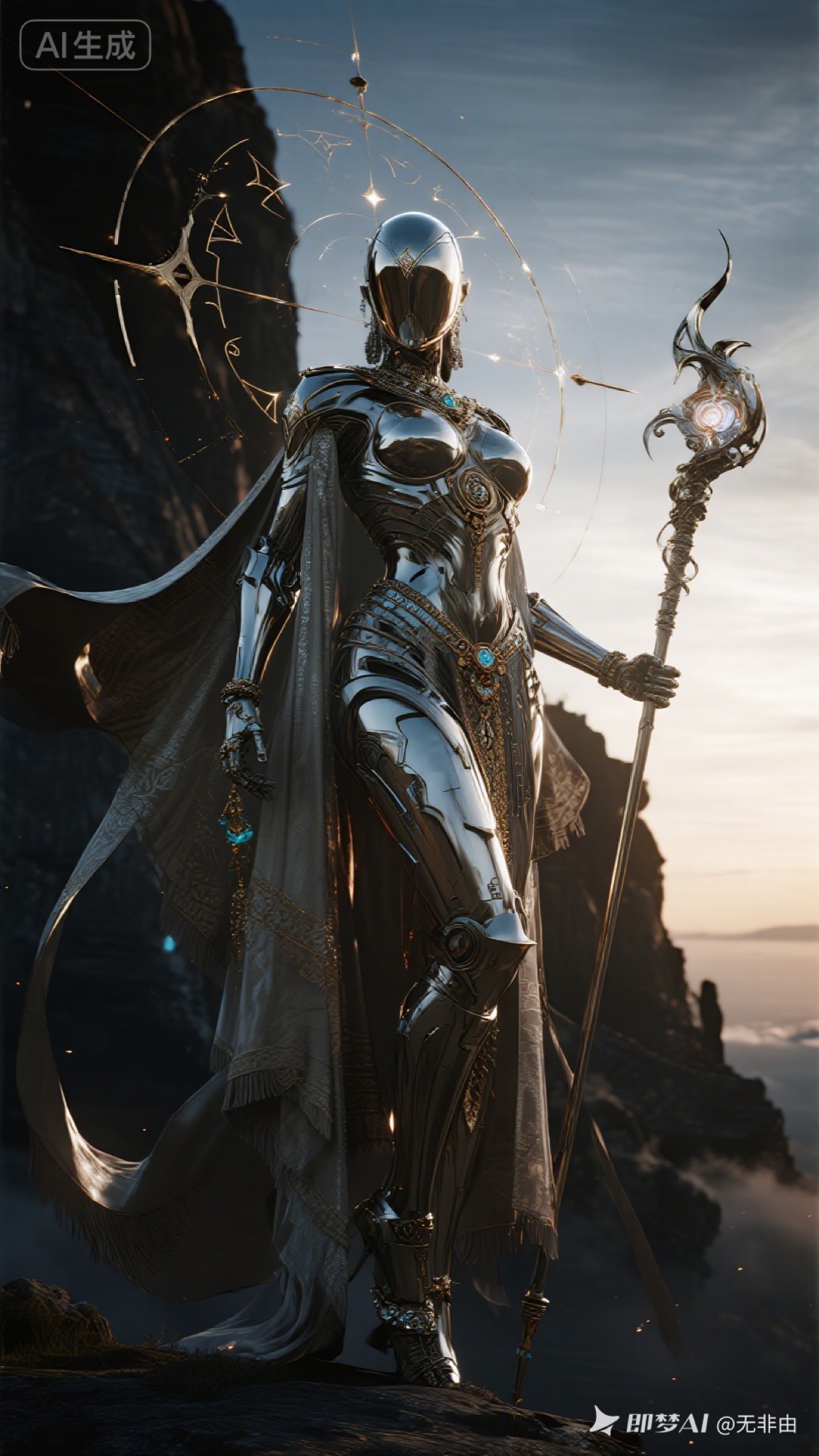
Seedance 2.5 AI video prompt example

Seedance 2.5 video generation workflow

This page is built for creators searching for Seedance 2.5. The workspace above keeps a Seedance video model selected so you can describe a scene, add reference images, tune duration and ratio, then generate and save the result in SeeAny history.

What is Seedance 2.5?

Seedance 2.5 points to a major ByteDance video-generation upgrade: up to 30 seconds for a single clip, up to 50 multimodal reference assets, and more flexible controllable video editing. In SeeAny, the generator is currently preselected to the available Seedance 2.0 model so you can start creating immediately while keeping this page focused on the Seedance 2.5 workflow.

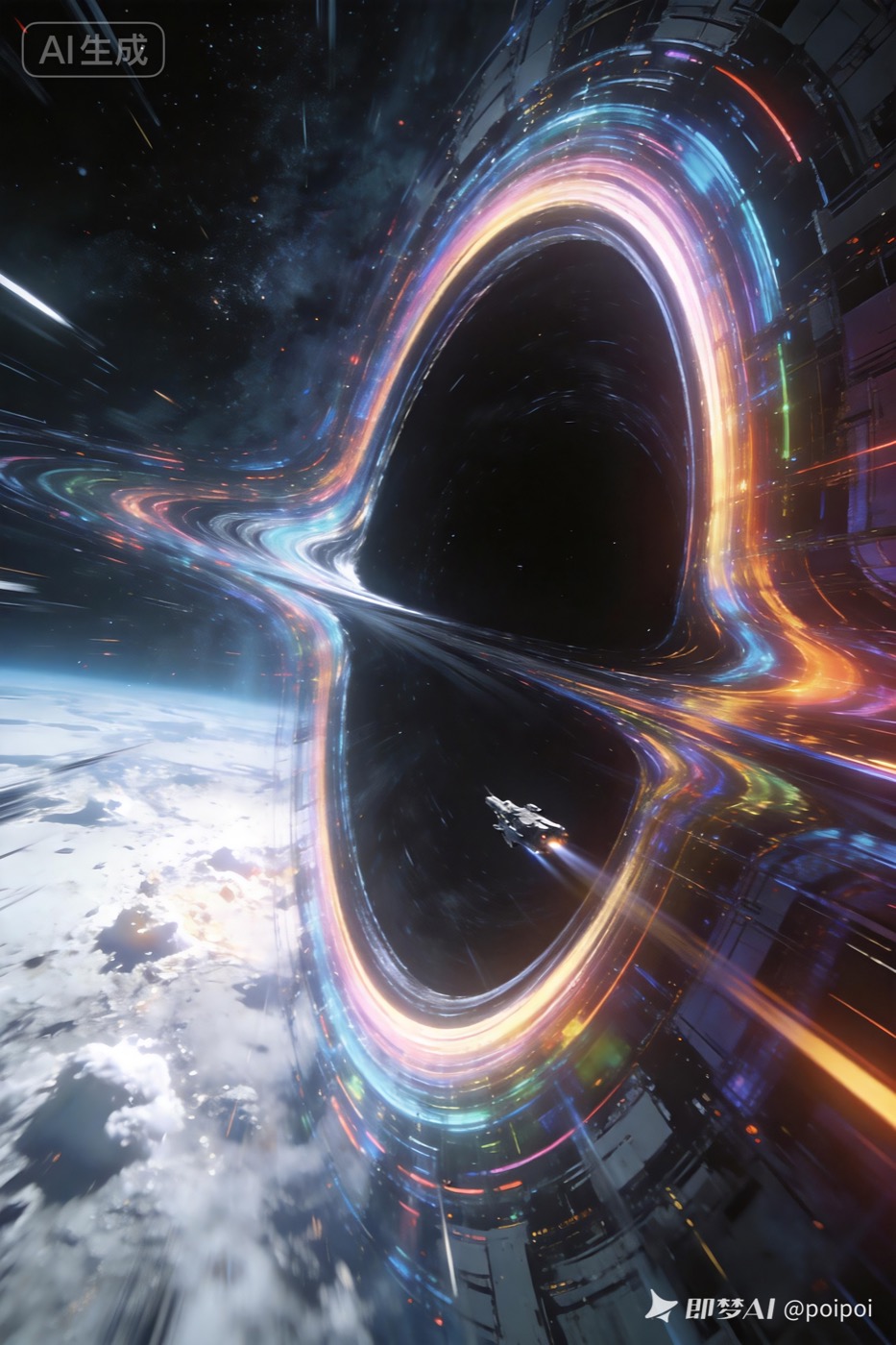
Seedance 2.5 cosmic time warp prompt example
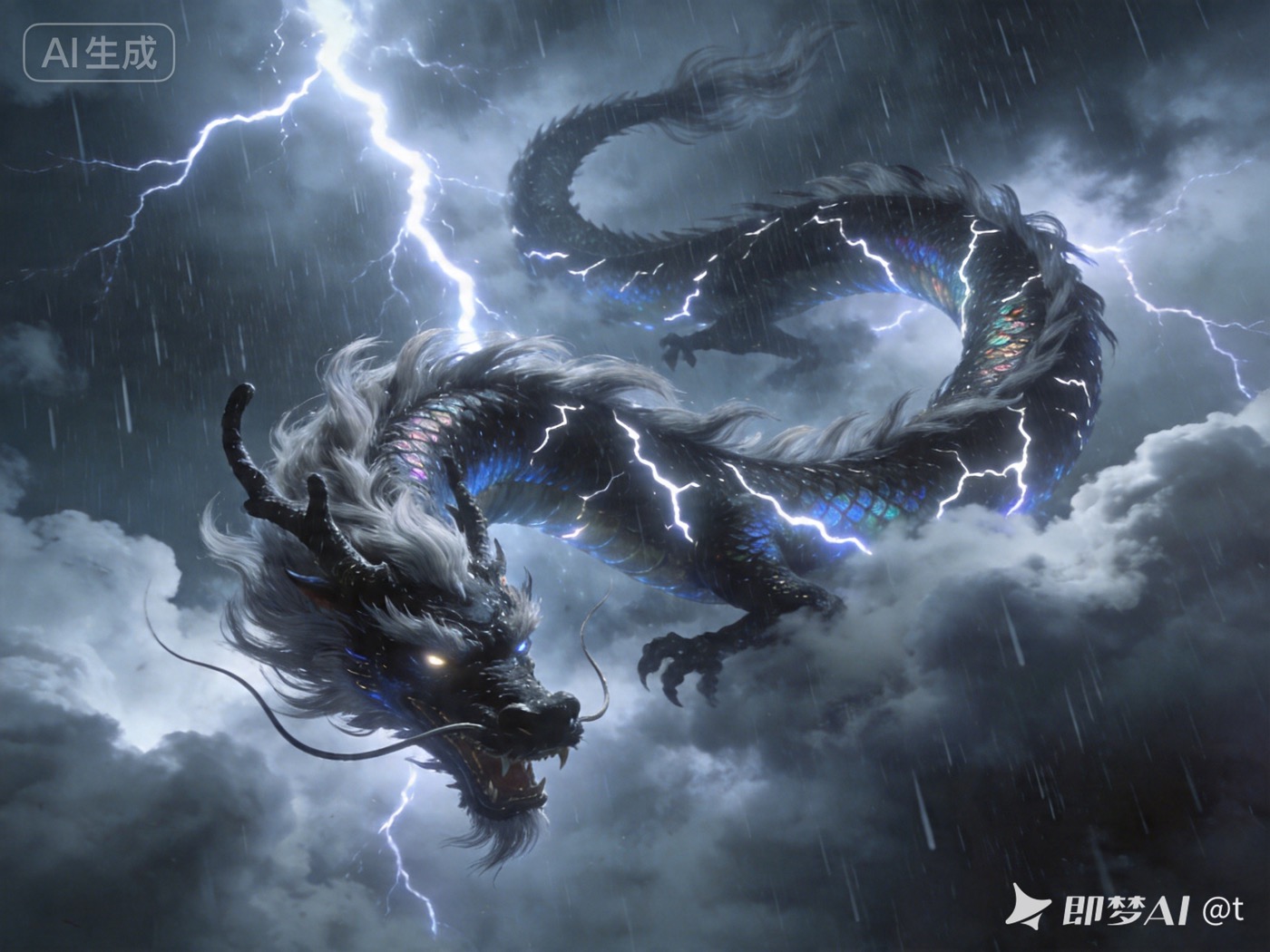
Seedance 2.5 storm dragon prompt example

How to use Seedance 2.5 style prompts in SeeAny

  1. 1Describe the subject, action, scene, camera movement, lighting, pacing, and mood in one clear prompt.
  2. 2Keep the default Seedance video model selected. For image-to-video, upload a reference image to guide the first frame, character, or product look.
  3. 3Open model settings to choose ratio, duration, resolution, audio, and seed so the output fits a social video or ad draft.
  4. 4Generate the clip, preview it, download it, or revisit the prompt, model, and credit cost later from History.

Seedance 2.5 FAQ

Is Seedance 2.5 available in SeeAny?

This blog landing page targets Seedance 2.5 searches, but the current generator defaults to the available Seedance 2.0 model. When a stable Seedance 2.5 endpoint is available, the page can be switched to that model ID.

Can I use images with Seedance?

Yes. The selected Seedance workflow supports reference uploads, so you can guide image-to-video generations with a starting frame.

What prompts work best for Seedance 2.5 style videos?

Use concrete visual details: subject, action, scene, camera lens or movement, lighting, style, pacing, and what should not appear. For complex projects, split references into character, product, scene, and material cues.

Where are my Seedance videos saved?

Completed generations are saved in SeeAny History with the prompt, model, credit cost, preview, and download action.